
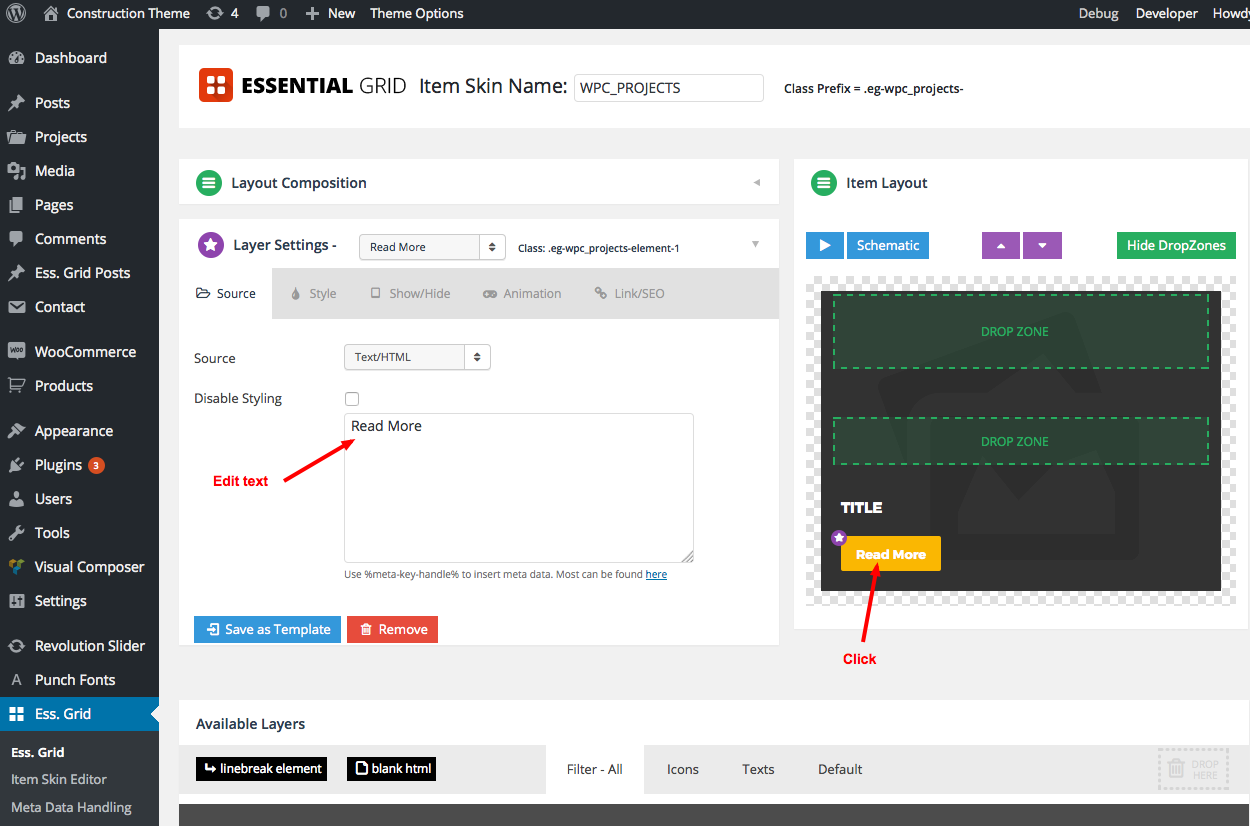
When you hover on project item, there is a project title and a button with Read More text come up, follow this guide to change that :
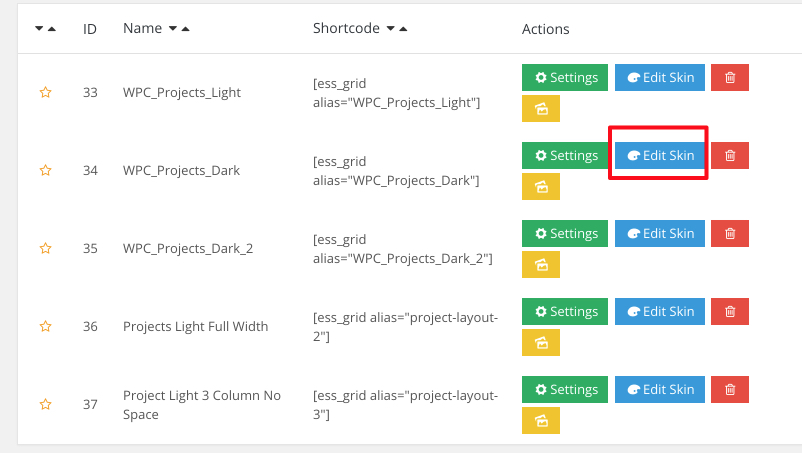
1. Go to Ess. Grid manager.
2. Click Edit Skin.
3. Click to the Read More button to change
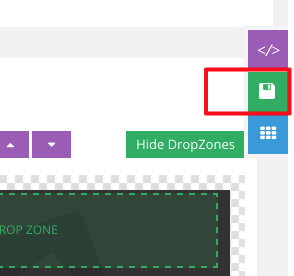
4. Finally, click Save icon on the right screen.
You’re done.